 (opens the live site in a new tab)
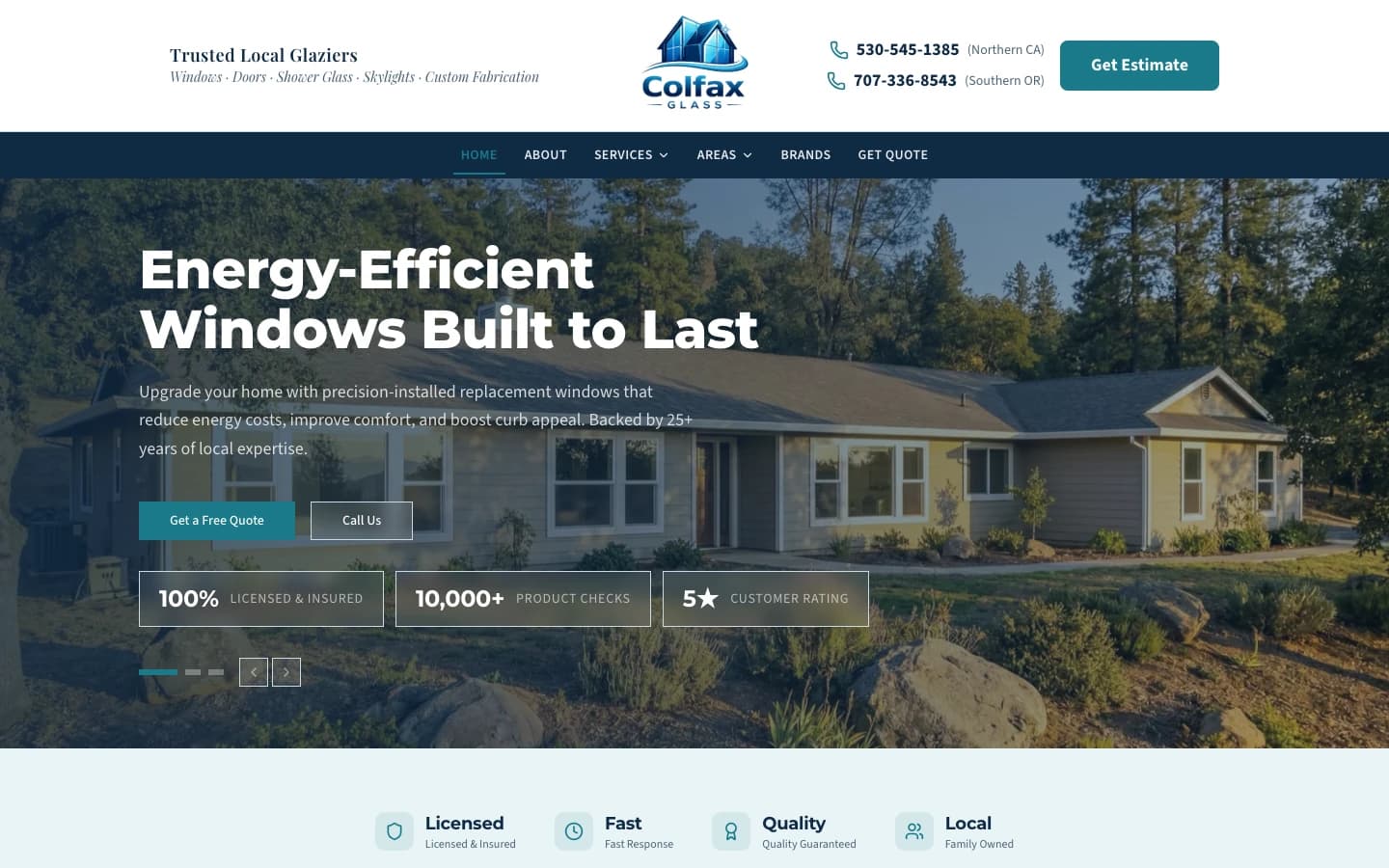
Colfax Glass
Window and glass contractor in Placer County. Service and city pages, cost and permit guides, and direct quote paths.
265 → 1,346Google search clicks, Mar 20–Jun 17, 2026 vs. Jun 18–Sep 15, 2026
Remote from Roseville, CA
Premium Webflow websites for SF tech companies and startups
Serving businesses across Technology, Finance, Tourism in the San Francisco Bay Area.
Sites we built
Google search clicks, before and after
Search Console, Jun 18–Sep 15, 2026 vs. Mar 20–Jun 17, 2026.
See the workWebflow development in San Francisco is about speed without sacrificing craft. We combine Webflow's visual development platform with custom code to deliver fast sites that hold up under SF's standards. For startups in SoMa and the Mission or firms in the Financial District, we build Webflow sites your marketing team can update daily without touching a developer, with integrations into the Stripe, Airtable, HubSpot, and Zapier tools SF companies already run on.
Webflow is the preferred platform for San Francisco's fast-moving startups and tech companies.
Discuss Your SF Webflow ProjectWe plan the site around the tools you already use, so forms, billing, and CRM data land where your team works.
Custom Webflow development with clean, maintainable code
CMS setup for easy content management without developers
E-commerce functionality with Webflow Commerce
Integrations with SF tech stack (Stripe, Zapier, Airtable)
Responsive design optimized for all Bay Area devices
SEO-optimized structure for San Francisco local search
Animation and interaction design expertise
Training and documentation for your team
The same published rates we quote everywhere. Larger builds are scoped after a discovery call.
One-time build, quoted after a discovery call
Ideal for: Startups that need a professional site their team can edit
Launch months, then SEO from $1,000/mo
Ideal for: Companies that need search traffic, not just a new site
Quoted after discovery
Ideal for: Sites with needs beyond a standard build
Exact pricing depends on scope. Every quote is confirmed after a discovery call.
Live sites you can click through. These are custom-coded builds; a Webflow project gets the same design and SEO process. Our team handles every project from start to finish.
(opens the live site in a new tab)Window and glass contractor in Placer County. Service and city pages, cost and permit guides, and direct quote paths.
265 → 1,346Google search clicks, Mar 20–Jun 17, 2026 vs. Jun 18–Sep 15, 2026
 (opens the live site in a new tab)
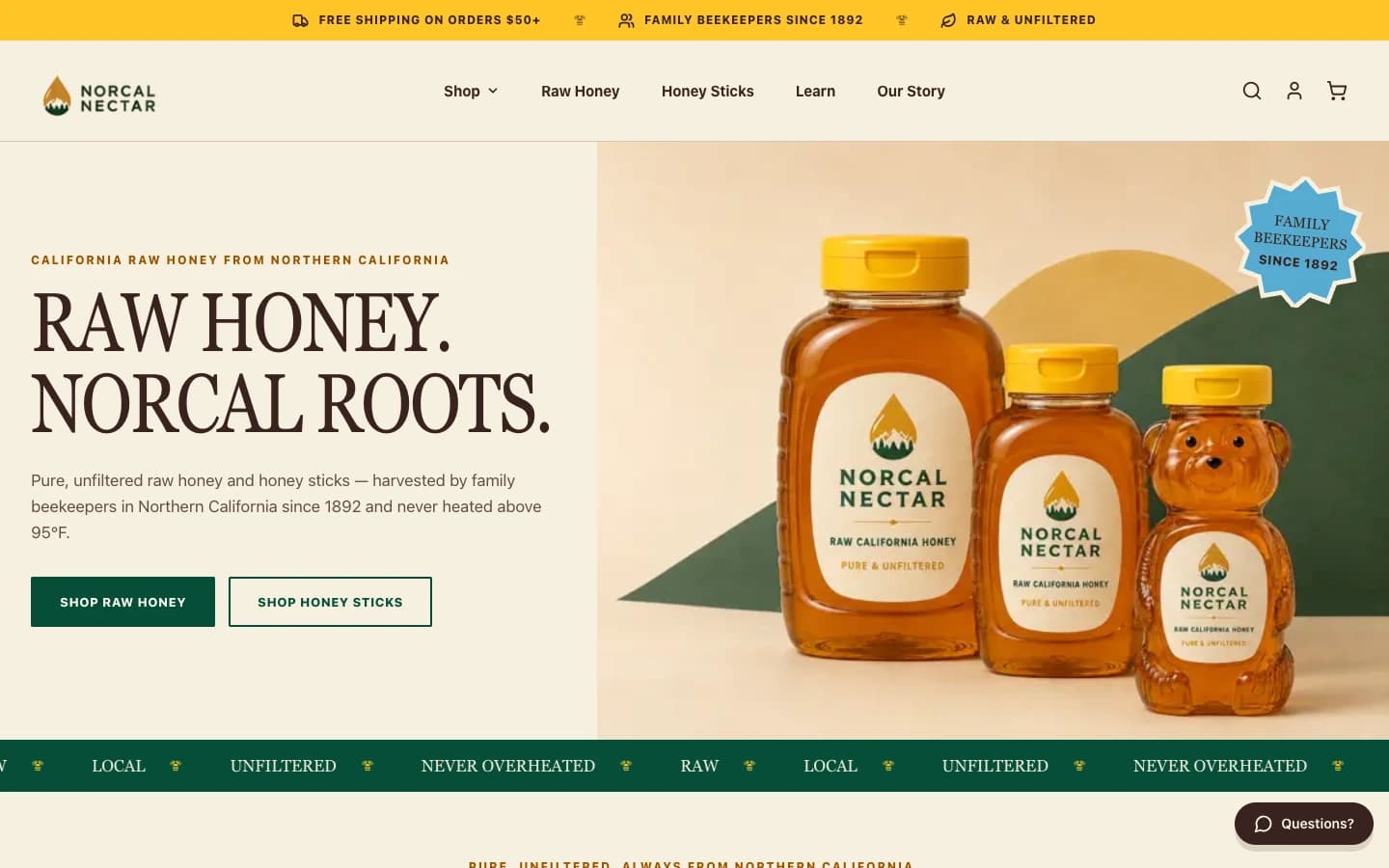
Northern California raw honey producer with an online store. Educational content leads visitors to the products.
802 → 2,733Google search clicks, Mar 20–Jun 17, 2026 vs. Jun 18–Sep 15, 2026
We provide Webflow development services throughout San Francisco and surrounding Bay Area communities.
Common questions about Webflow development in San Francisco
A standard Webflow site build runs $2,500 – $5,000 one-time. With SEO included, a common structure is $2,500/mo during launch months, then ongoing SEO from $1,000/mo (about $1,500/mo in competitive industries). Large sites, complex CMS work, and migrations are scoped and quoted after a discovery call.
Webflow is ideal for SF businesses because it combines design flexibility with a powerful CMS. Your marketing team can update content without developers, and the sites perform exceptionally well—critical for competitive Bay Area markets.
Yes. We work remotely, so a startup in SoMa, the Financial District, or the Mission gets the same process as a local client: video calls, a shared project board, and a staging site to review before launch.
Yes! We integrate Webflow with popular SF tech tools including Stripe, Zapier, Airtable, HubSpot, and custom APIs. We build solutions that fit seamlessly into your workflow.
It depends on page count, CMS setup, and how quickly content and feedback come in. You get a written timeline with milestones after the discovery call, before any work starts.
Yes, comprehensive training is included with every project. We ensure your team can confidently manage the CMS, make updates, and even build new pages using Webflow's Editor.